Why your TV picture stutters: a simple setting to fix it
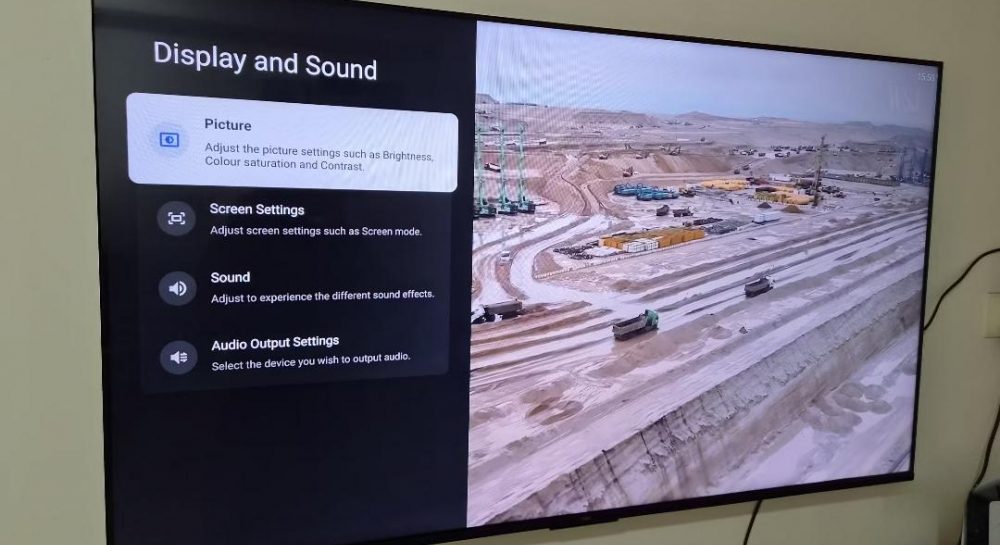
TV owners often face video stuttering due to frame rate mismatches. This can be resolved in 30 seconds by adjusting specific display settings.
 🩺Health
Photo: UNIAN
Key points
- Frame rate mismatch 24 fps vs 60/120 Hz
- Enabling Match content frame rate
- Using Filmmaker Mode for better quality
Understanding video stuttering
Many viewers mistakenly blame unstable internet connections or streaming service issues for jittery video playback. However, experts note that the root cause is usually a mismatch between the frame rate of the content and the refresh rate of the television display.
Most movies are filmed at 24 frames per second, while modern TVs operate at 60 or 120 Hz. To adapt this, TVs use a 3:2 pulldown process, which creates an uneven rhythm. This is particularly noticeable during panning shots, resulting in micro-stutters.
How to optimize your TV
To eliminate these stutters, you should activate the Match content frame rate option. This feature allows the TV to stop artificially stretching the video and instead adjust its refresh rate to match the source content.
- Access your TV's display or image settings.
- Locate and enable the "Match content frame rate" option.
- Additionally, enabling "Filmmaker Mode" is recommended to disable artificial motion smoothing, which can distort the director's intent.
Source UNIAN — unian.ua/techno/gadgets/chomu-smikayetsya-zobrazhennya-na-televizor… ↗
Read next
 🇺🇦Ukraine
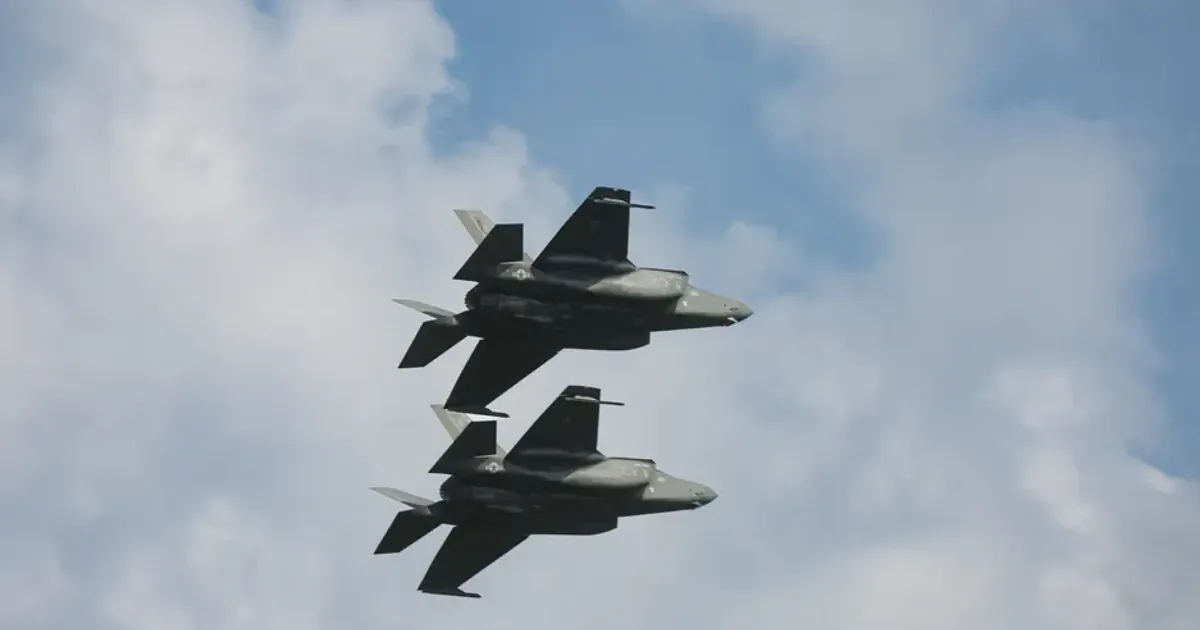
Poland Scrambles Jets During Russian Strike on Ukraine: Drone Enters NATO Airspace
During a massive Russian attack on Ukraine, a drone flew 70 km into Polish territory, prompting the Polish military to activate air defense protocols.
 🎭Culture & Sport
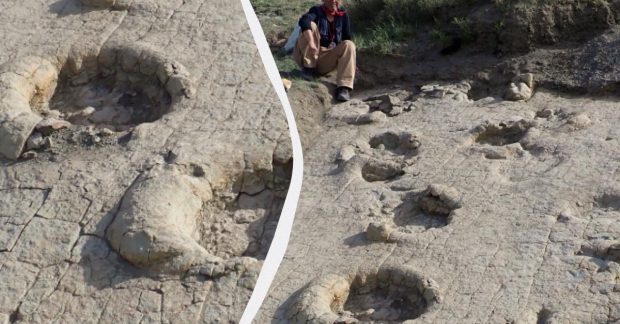
Footprints of Giants: Scientists Rediscover Unique Dinosaur Site in Mongolia After 70 Years
Researchers have successfully relocated a significant paleontological site in Northern Mongolia, identifying 31 fossilized dinosaur tracks dating back 120 million years.
 🛡️Security
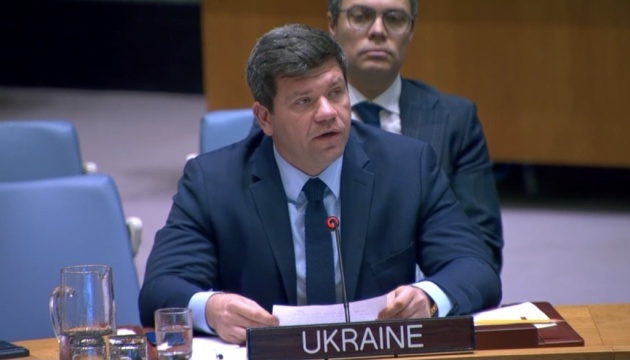
Ukraine at UN: Demands for Troop Withdrawal Are Not a Path to Peace
Ukraine’s Deputy Permanent Representative to the UN Volodymyr Pavlichenko stated that Russian demands for withdrawal from Donbas are a prelude to further aggression.
 👥Society
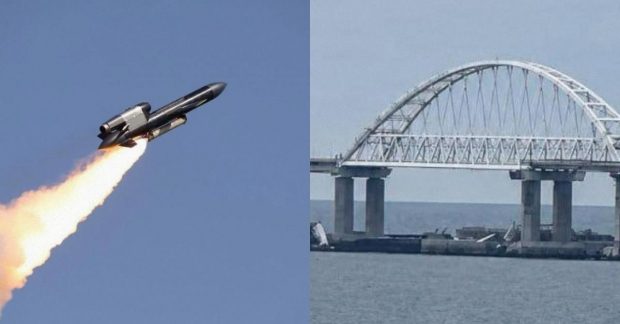
Experts reveal details of the successful operation on the Crimean Bridge
Aviation expert Kostiantyn Kryvolap discussed the use of secret Ukrainian developments and advanced communication technologies during the attack on the Kerch Bridge.
 👥Society
Heating issues in cities: actress Antonina Khizhniak reports on the situation in Ukrainka
Well-known actress Antonina Khizhniak shared information about the critical heating situation in the city of Ukrainka, where her grandmother lives.
 🛡️Security
Germany plans to allocate €11.6 billion in military support for Ukraine in 2027
The German government continues to scale up its military assistance, earmarking over €11 billion for Ukraine in the 2027 budget.